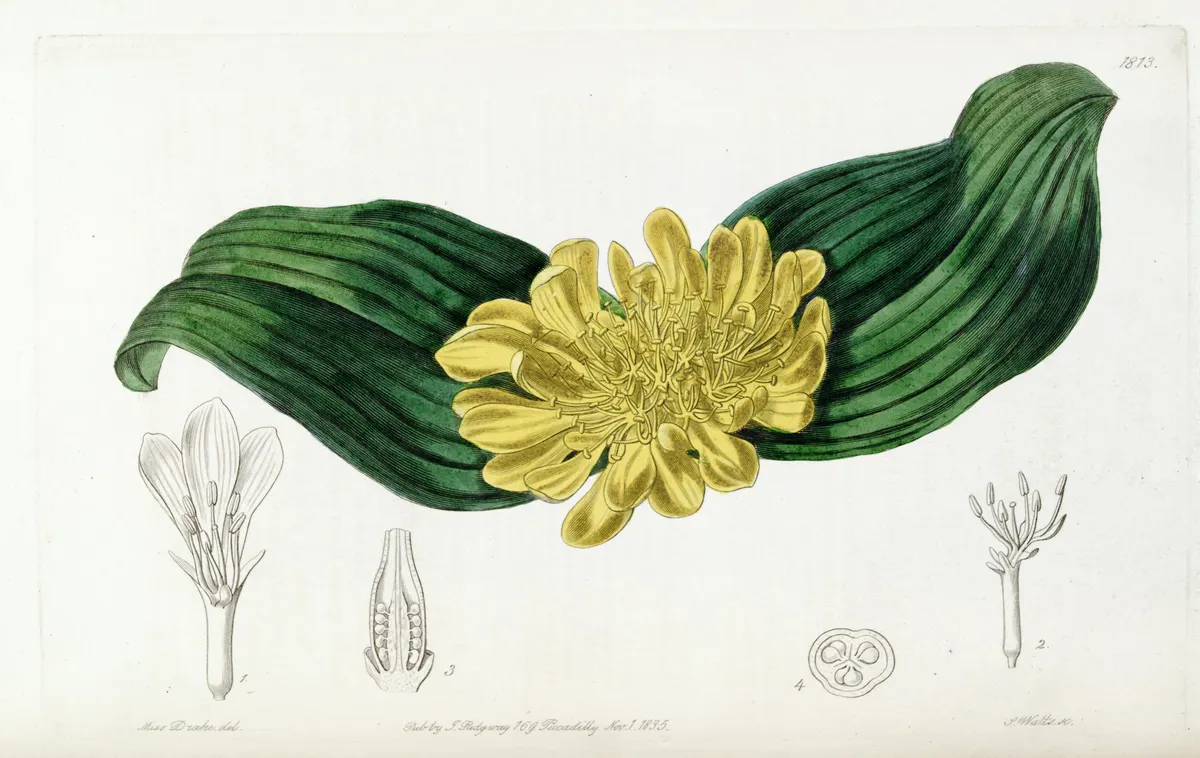
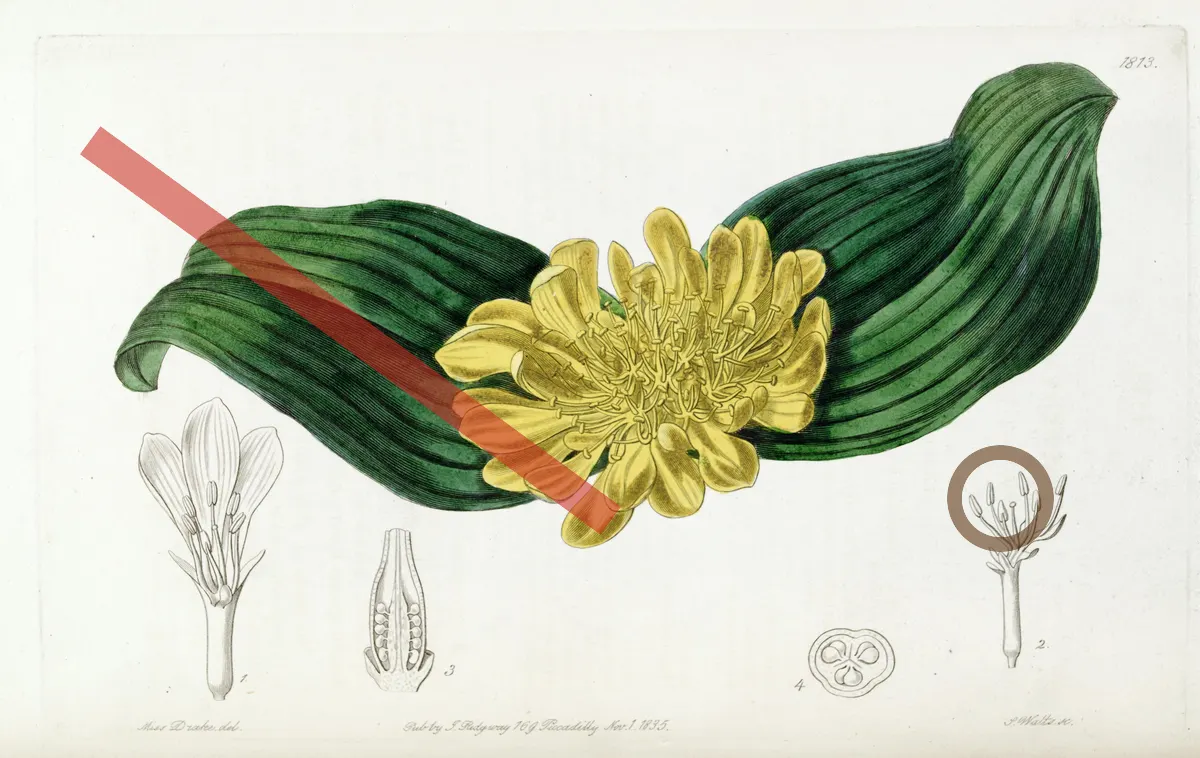
Screenshots, graphics and scans
An online image editor is often needed for things that are not photographs: a screenshot with a name to hide, a logo to lift off a white background, a scanned page that sits at an angle. CutLift opens all of them. Magic Wand and Colour Range pick flat areas of one colour, which suits graphics and interface shots, while the Polygonal Lasso and Rectangle tools trace straight-edged shapes.
For a screen, a document or a building, the Straighten action in the Refine panel corrects selection edges that are nearly level or upright, and Crop to selection trims the image to the object you picked.


























