FreeImage annotation

An image annotation tool for training data

Outline each object in a photo, name its class and keep every label on its own layer, so you can fix it later. Your images stay on your device.

Drop your photo hereIt opens in the editor. Nothing is uploaded. Choose a photoJPGPNGWebPHEICPSDRAW

No photo? Try ours

Layers

  • Book2
  • Apple1
  • Apple–
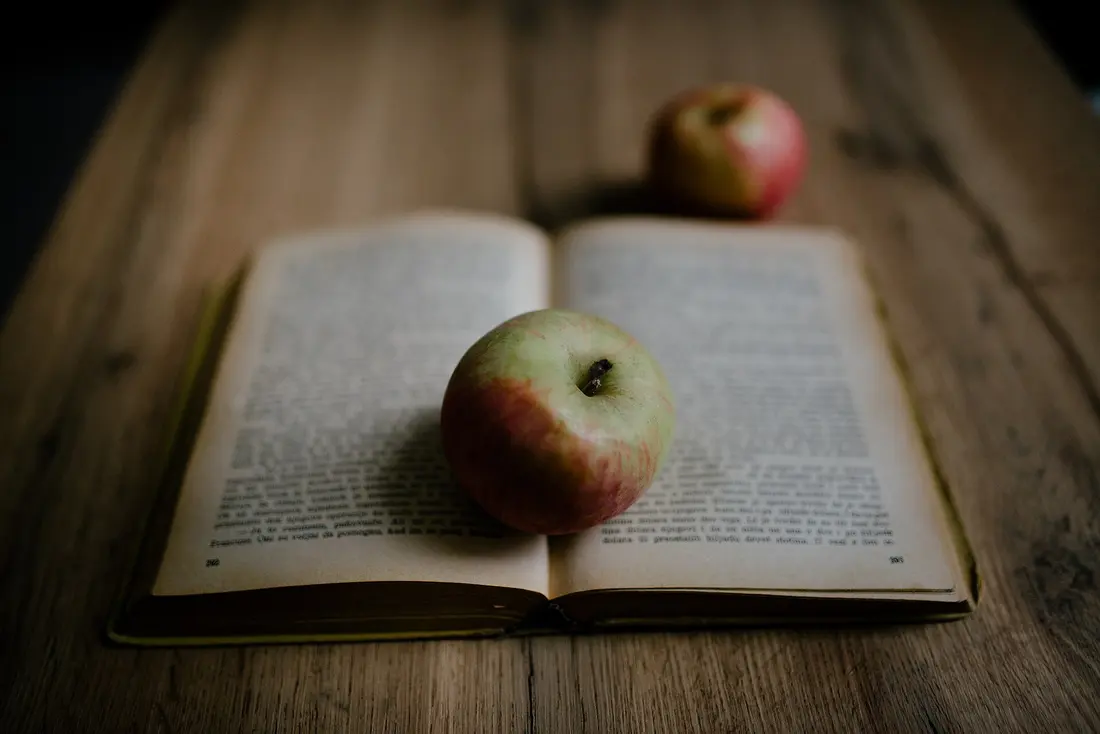
Two apples and an open book on a wooden table, each outlined as a layer

Classes

Press 1 to 9 to label the selected layer. The number is the class in every photo.

Live demo01 / 04

01One label, one layer

Fix one outline. Leave the rest.

Every object lives on its own layer, so a loose edge on one apple never moves the other. Each layer below is cut out of the same photo.

Applelayer 2
Applelayer 3
Booklayer 1

03How it works

Three steps. Seconds.

  1. 01Open your photosDrop in a JPEG, PNG, WebP, HEIC (in Safari), PSD or RAW image to start labelling it.
  2. 02Mark each objectDraw a lasso or a Pen outline around it, or click it with AI select (Pro). Every object becomes its own layer.
  3. 03Name the classes and exportGive each object a class, then download black and white masks or PNG cutouts. Dataset formats are a Pro export.

04Why CutLift

Built to be the best one

  • Every label is a layerAdjust a mask, rename a class or delete a wrong object without starting the photo again.
  • Class barEvery class keeps its own colour and its number 1 to 9 in one bar. Press the number and the object takes that class, the same key in every photo you label.
  • AI-assisted markingOne click can pick out a whole object, which saves time on busy scenes (Pro).
  • Private by designLabelling runs on your own computer or phone, so client and unpublished images are never uploaded.

Free and unlimited. CutLift Pro adds batch processing, upscaling, sky replacement and studio exports for $7.99/month.

05The guide

Small datasets, done properly

Who it suits

CutLift is an image annotation tool for people who label their own data: an ML engineer adding a few hundred examples of a new class, a researcher preparing images for a paper, a student training a first segmentation model, or a company whose images cannot be shared with an outside service. It is not a labelling marketplace or a crowd platform. You open a photo, annotate it in the browser and export the files.

Because every label is a layer, an annotation can be reshaped or given a new class long after it was drawn, which matters when a class definition changes halfway through a project.


What one annotation holds

Each object you mark becomes a layer with a pixel mask, a name and a class. On export those layers turn into training data annotation files. Mask PNGs and a Simple JSON file, with a label, a box and a mask for each object, are free.

With Pro you can also export COCO JSON, where each object carries a polygon or RLE outline, a bounding box, its area and its category; YOLO segmentation labels with a classes.txt; an index label map; and SVG outlines.

A steady rhythm for each image

Pick a class in the class bar first, then mark every object of that class before moving on. Number keys 1 to 9 apply a class to the selected layers, or set it for the next objects you mark. Busy scenes go faster with Segment everything (Pro), which proposes a layer for each object: delete the ones you do not want and set the class on the rest.

Before exporting, check small objects at full zoom. Select tiny pieces finds leftover fragments, and Split pieces turns a selection that covers two separate objects into one layer per piece, so each gets its own annotation.

Annotation that stays on your machine

Online image annotation usually means uploading your images to someone else’s server. Here the photos are read and labelled in your browser, which matters for client, industrial or unpublished data. Save a project file to keep every layer and class, and come back to an image when you need to correct it.

06Questions

Good to know

What is an image annotation tool?

It is software for marking objects in pictures and attaching a label to each one, so a model can learn what to find. Annotation is the step that creates the training data.

An image annotation tool for training data

Free to start. Your photo never leaves your device.

Open the editor

49 more tools

Keep going
























