





ProBatch

Remove backgrounds from a whole folder at once

Drop a folder, subfolders and all. Every photo comes back as a cutout with the same background, shadow and size, in one ZIP with the same folders inside.

Drop your folder hereSubfolders and all, up to 500 photos. Nothing is uploaded. Choose a folderJPGPNGWebPHEICPSDRAW

No photo? Try ours

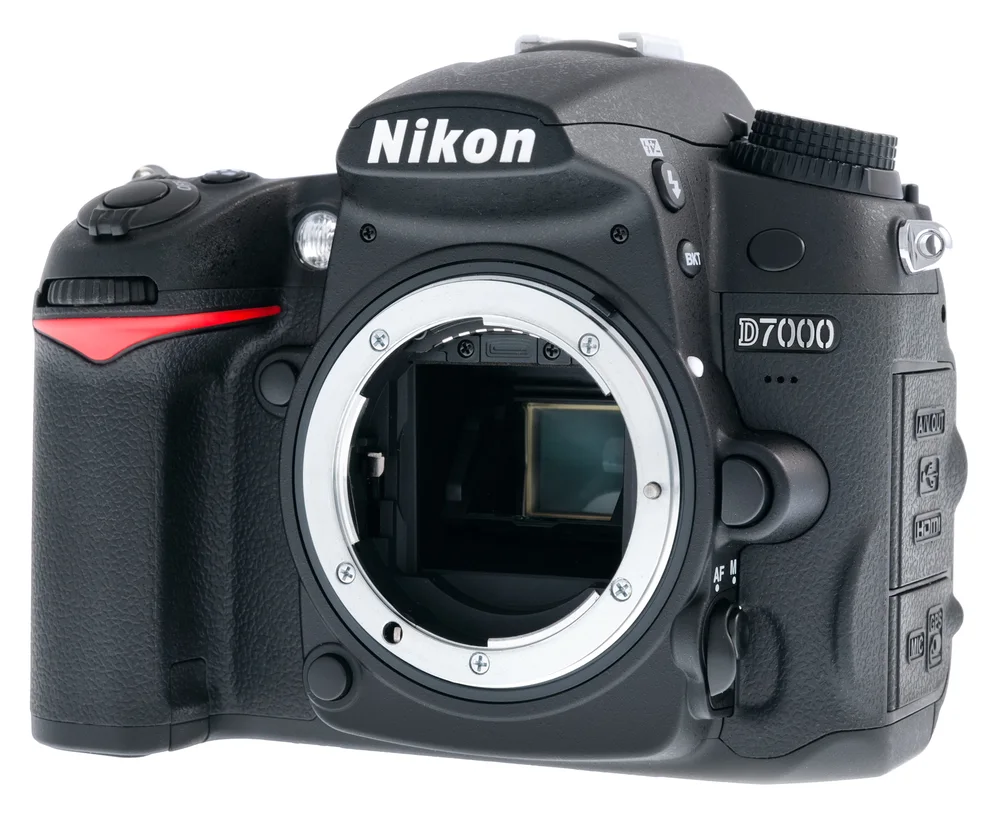
  • camera cut-out
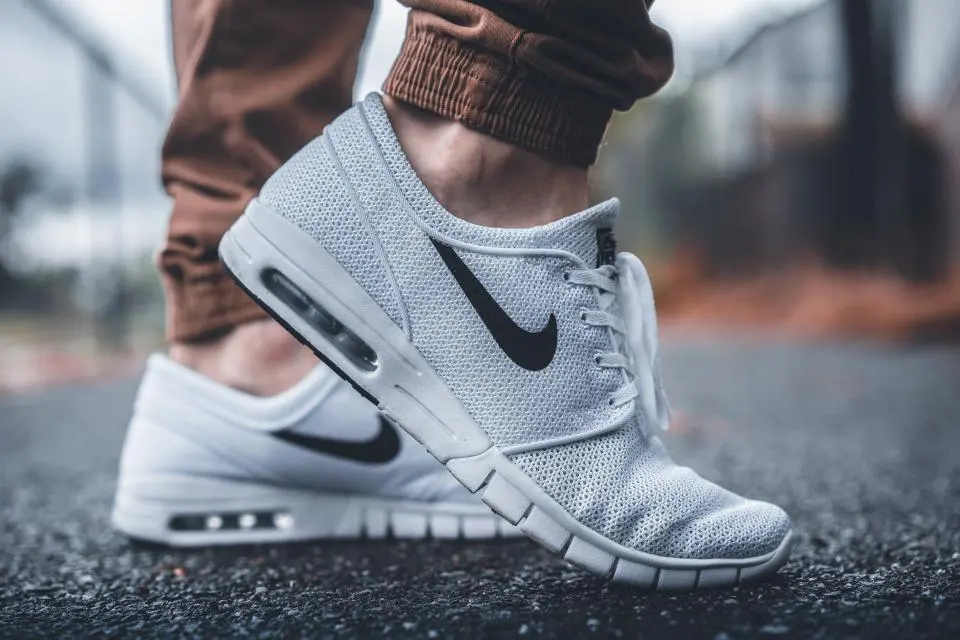
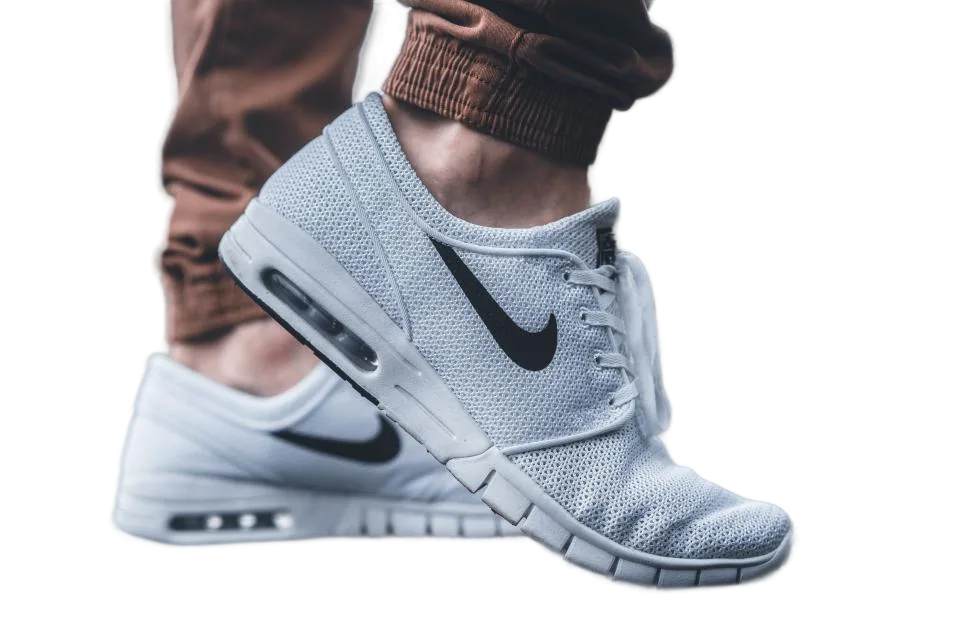
  • sneaker cut-out
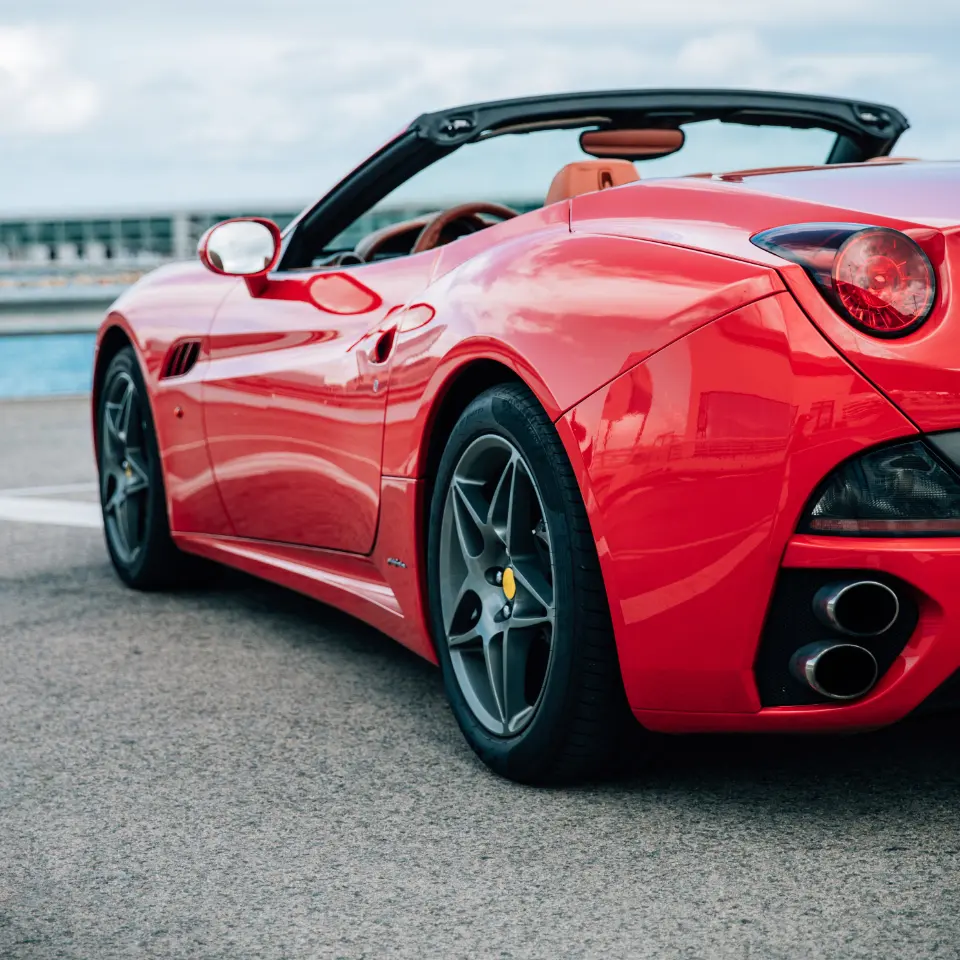
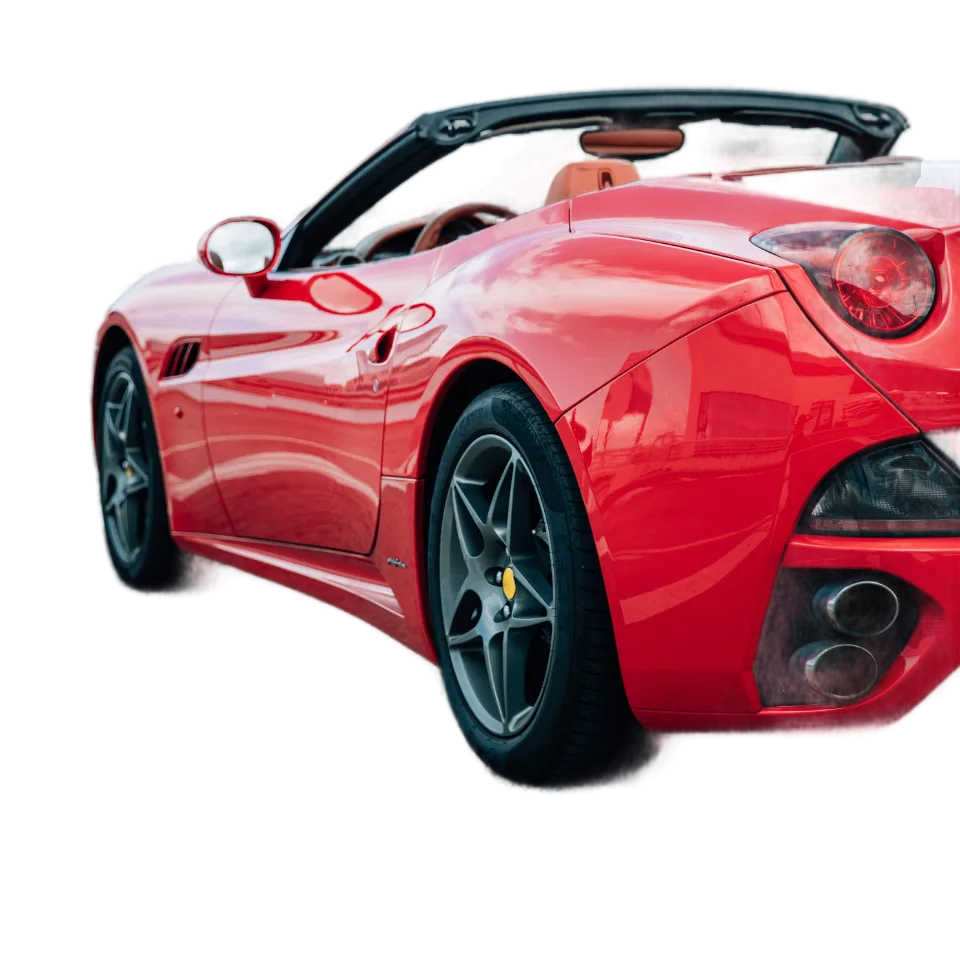
  • car cut-out
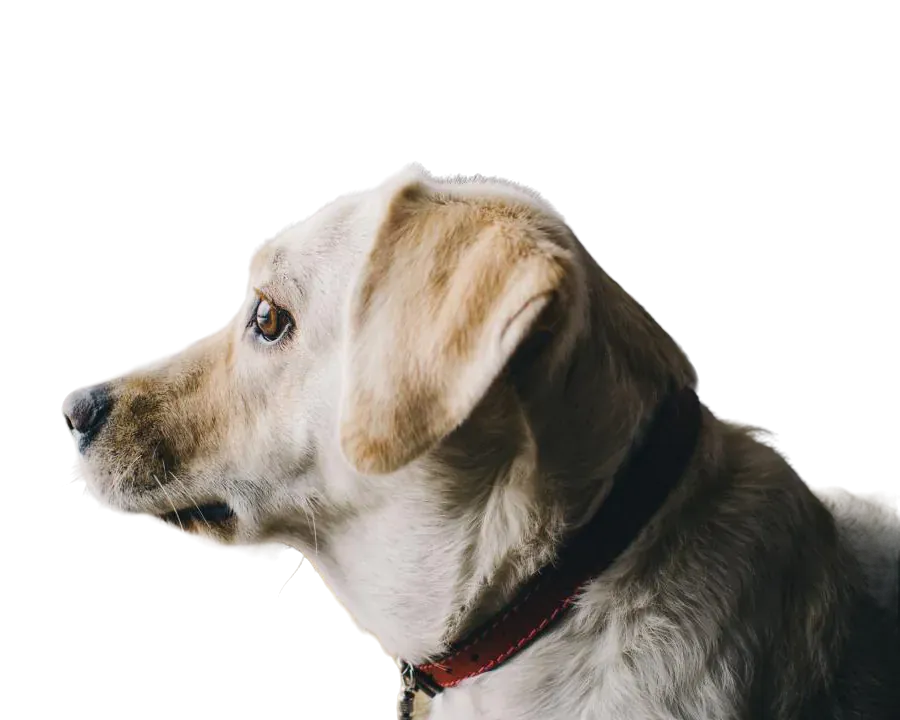
  • beagle cut-out
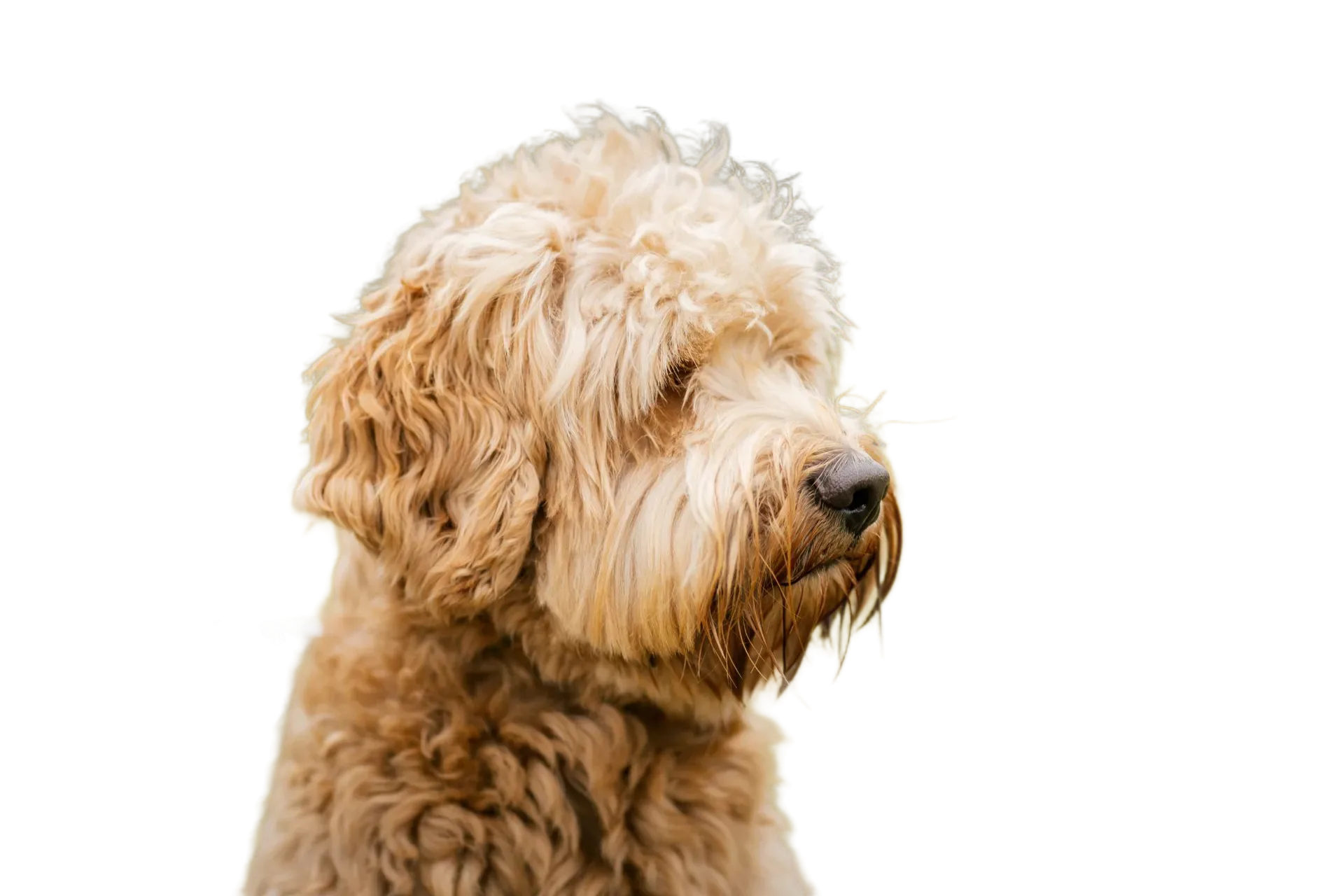
  • retriever cut-out
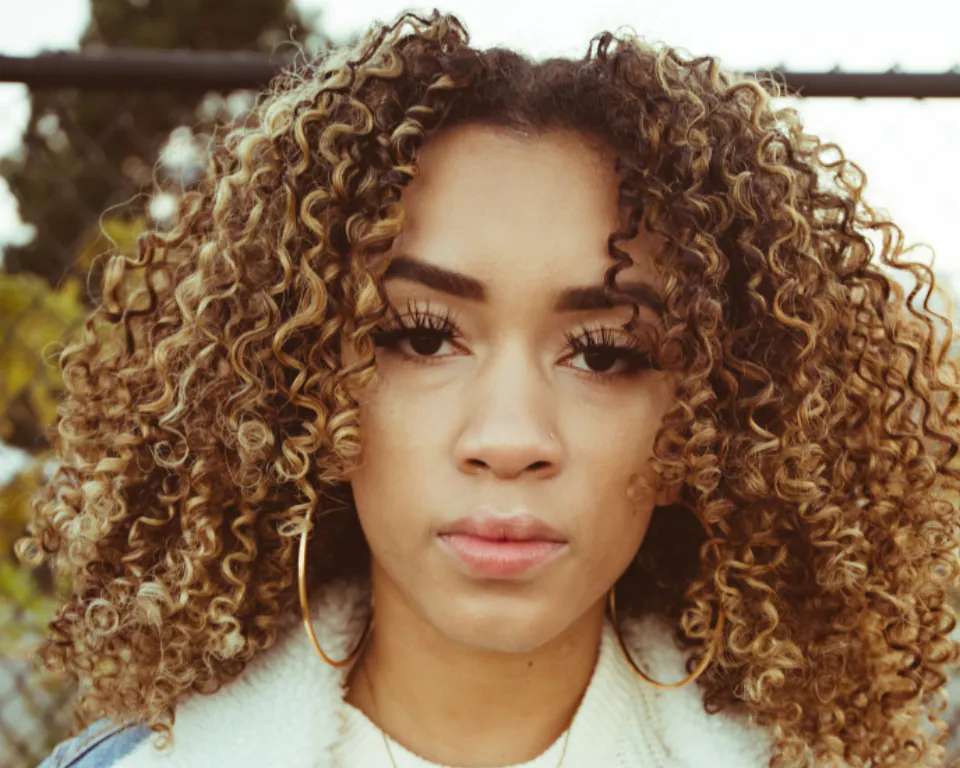
  • portrait cut-out

shoot.zip · 6 cut-outs

products/ camera.jpg sneaker.jpg car.jpg 

pets/ beagle.jpg retriever.jpg 

people/ portrait.jpg 

Live demo01 / 07

01One style, every photo

Set it once.
The whole folder follows.

Pick the background, shadow and size one time. Every photo comes back matching, filed in the same folders it came from.

camera cut-out
sneaker cut-out
car cut-out
beagle cut-out
retriever cut-out
portrait cut-out
puppy cut-out
cats cut-out

ZIP shoot.zip

  • products/
    • camera.jpg2000×2000
    • sneaker.jpg2000×2000
    • car.jpg2000×2000
  • pets/
    • beagle.jpg2000×2000
    • retriever.jpg2000×2000
    • puppy.jpg2000×2000
    • cats.jpg2000×2000
  • people/
    • portrait.jpg2000×2000

Up to 500 photos per batch. Removing the backgrounds is free to try; downloading the ZIP is part of CutLift Pro. Photos are processed on your device; nothing is uploaded.

Live demo01 / 06
  • Subfolders kept

    The ZIP has the same folders as the one you dropped.

  • Only photos

    Other files are skipped and counted. JPEG, PNG, WebP, AVIF, PSD and camera RAW go in.

  • Stop any time

    A progress bar shows each photo. Stop keeps what is done.

  • Nothing lost

    A photo that fails is listed; the rest of the batch carries on.

03How it works

Three steps. Seconds.

  1. 01Drop a folderChoose or drag in a whole folder, or pick photos one by one. Files that aren’t photos are skipped and counted.
  2. 02Pick a styleTransparent, white or a colour; a shadow, a size and PNG, WebP or JPEG.
  3. 03Download one ZIPEvery cutout, filed in the same folders as the photos it came from.

04Why CutLift

Built to be the best one

  • Same look on every photoOne style applied to the whole batch.
  • Folders keptSubfolders are read too, and the ZIP mirrors them: shoot/pets/dog.png stays in pets/.
  • Watch it workA progress bar and a status for each photo. Stop any time; a photo that fails is listed and the rest carry on.
  • On your devicePhotos are processed one at a time on your computer. No upload queue, no per-image fee.

This is a CutLift Pro feature: $7.99/month plus tax where it applies, cancel anytime. Use it free while you edit; your first premium download is free.

05The guide

Bulk background removal

Who needs batch photo editing

Removing the background from one photo is quick. Doing it for 80 product shots, a school photo day or a whole catalogue is not. Batch background removal is for online sellers, photographers, agencies and anyone with a folder of images that all need the same treatment. Instead of opening each file, you drop the folder once and collect one ZIP.


Setting up a batch

Open Batch remove backgrounds from the AI menu and drop a folder, or pick files one by one. Then choose a style. Background can be None for a transparent PNG, White or any colour. Shadow can be None, Ground or Drop. Size can stay as the original, be trimmed to the object, made square, or set to 1080 × 1080, 1080 × 1350 or 2000 × 2000. Add padding and choose PNG, WebP or JPEG.

Under Export for, you can also tick ready-made targets such as Amazon, eBay, Etsy, Shopify, Instagram post or Story. Each target you choose gets its own folder in the ZIP, so one run can produce images for several stores.

Review before you download

When the run finishes, click any thumbnail to see the cutout full size. If one missed a strap or kept a piece of background, Review & fix opens it in the editor, where the Brush, Eraser and other selection tools correct it. Fixed photos are marked as edited and your changes go into the ZIP.

Subfolders are kept, so a shoot sorted into shoes, bags and belts comes back sorted the same way. A progress bar and a status line for each photo show where the run is, and you can stop at any time. If a file fails, it is listed and the rest of the batch carries on.

Pricing and privacy

Batch background removal is part of CutLift Pro, $7.99 a month or $47.99 a year. You can run a batch and look at every result free; downloading the ZIP uses Pro or your account’s one free premium download. Photos are processed one by one on your own computer, so there is no upload queue and no per-image fee. That also suits client and product images that should not leave the building.

06Questions

Good to know

How many photos can I process at once?

Up to 500 photos per batch, processed one at a time on your device. Speed depends on your computer.

Remove backgrounds from a whole folder at once

Free to start. Your photo never leaves your device.

Open the editor

49 more tools

Keep going




















