
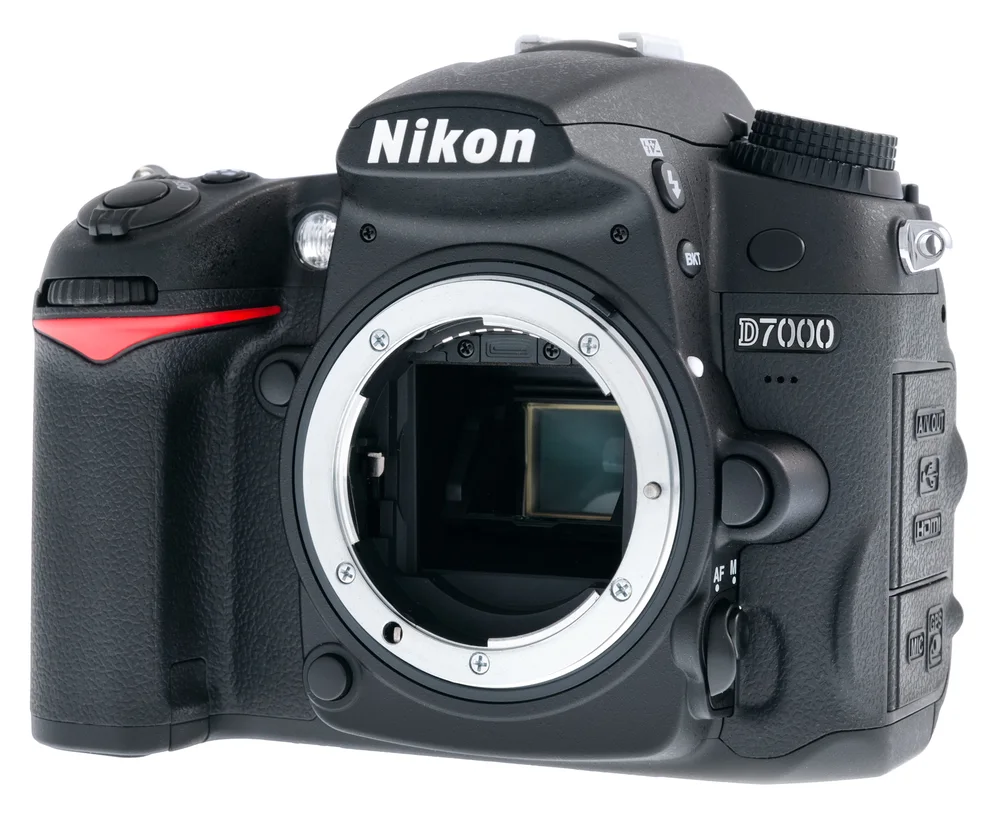
DSLR camera body
$899
FreeProduct photos
Cut products out of any background, place them on white or a colour, add a shadow and export the size each marketplace wants.
01Your shop
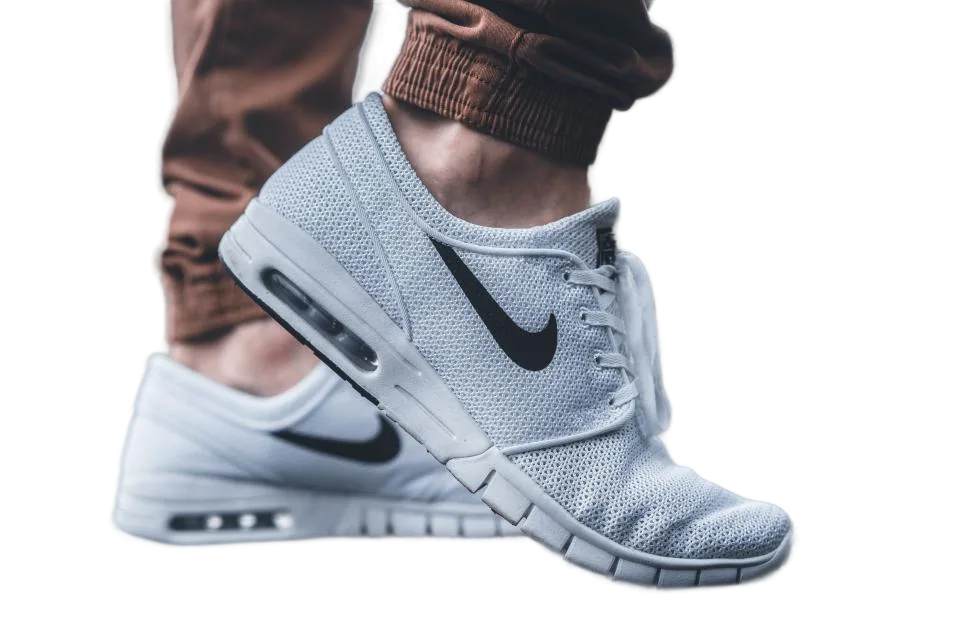
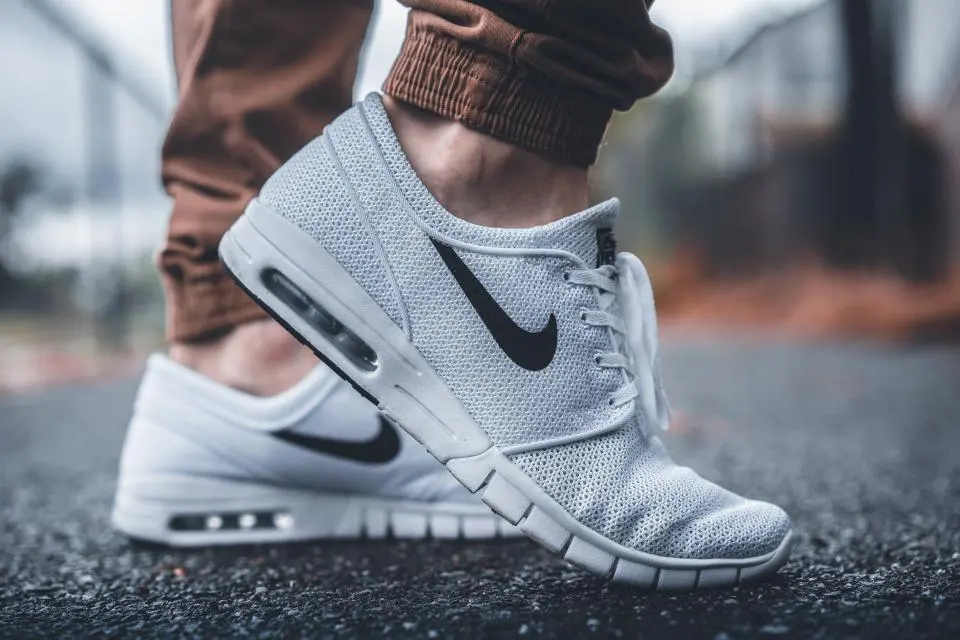
Same light background, same margin, same shadow on every product. Here it is next to the photos you started with.
$899
data-page="remove-background"20


$64
Shop and prices are made up for the demo. Many products at once? Batch does a whole folder with CutLift Pro.
03How it works
04Why CutLift
Free and unlimited. CutLift Pro adds batch processing, upscaling, sky replacement and studio exports for $7.99/month.
05The guide
Online stores reward clean, consistent images. Amazon asks for a pure white background on the main product photo, and Etsy, eBay and Shopify listings look more professional when every item sits on the same plain backdrop. CutLift is a product photo editor for exactly that: cut out a product, place it on white or a brand colour, and export images that match.
Shoot the product in good, even light against any background. Open the photo, choose Remove background, and check the outline at full zoom. For boxes, bottles and electronics with straight sides and smooth curves, the Pen tool (P) traces exact edges you can adjust point by point.
Then open Cutout studio from the File menu. Set the background to Colour and pick white, trim the image to the object or make it square, and use Padding to leave even space around it. Adjust object has brightness, contrast, saturation and warmth sliders, so a slightly dull product can be lifted without changing the background. All of this is free, and you can download PNG, WebP or JPEG.
A soft ground or drop shadow makes a product look like it is standing on the page instead of floating. Shadows, outlines, a photo background, fixed social sizes and the Amazon, Etsy, eBay and Shopify looks are premium options in Cutout studio. You can try them freely; downloading a result that uses them needs CutLift Pro ($7.99 a month) or your account’s one free premium download.
For many products at once, Batch remove backgrounds (Pro) takes a folder of photos and applies one style to all of them, with a review step so you can fix any cutout by hand. Everything runs on your computer, so unreleased products stay private.
A few habits keep a catalogue consistent: shoot every item from the same angle and distance, keep the same padding for every export, and use the same background colour across the store. Small touches such as removing a dust speck with the Spot Healing Brush or straightening a tilted shot with Crop make ecommerce photo editing look careful without extra cost.
06Questions
Can I remove backgrounds from many product photos at once?
Yes, with batch background removal in CutLift Pro. Drop a whole folder and download one ZIP.
Free to start. Your photo never leaves your device.
Open the editor49 more tools
 Background removerRemove the background from any photoSee how it worksTransparent PNGMake any image background transparentSee how it works
 Object removerRemove anything from a photoSee how it works
 Background blurBlur the background, keep the subject sharpSee how it works
 Photo editorA free AI photo editor in your browserSee how it works
 Photoshop alternativeThe Photoshop tools you use, free in your browserSee how it works
 PSD viewerOpen PSD files online, with their layersSee how it works
 BatchProRemove backgrounds from a whole folder at onceSee how it works
 UpscalerProUpscale photos 2× and 4× with AISee how it works
 Sky replacementProSwap a dull sky for a beautiful oneSee how it works
 Segmentation & datasetsProSegment and label images in your browserSee how it works
 Generative fillProFill any area with AISee how it works
 Sticker makerProTurn any photo into a stickerSee how it works
 Colour correctionCorrect and grade the colour of any photoSee how it works
 Background colourChange the background colour of any photoSee how it works
 Text on photosAdd text to any photoSee how it works
 Crop & resizeCrop, straighten and resize photosSee how it works
 Select anythingSelect any object in a photoSee how it works
 Healing & cloneHeal spots, dust and blemishes awaySee how it works
 CurvesShape the light with CurvesSee how it works
 Camera RAWOpen and edit RAW photos in your browserSee how it works
 Rotate & straightenRotate and straighten any photoSee how it works
 LiquifyPush, pull and reshape with LiquifySee how it works
 COCO & YOLOProLabel photos, export COCO and YOLOSee how it works
 AI photo editorEdit photos with AI, free, in your browserSee how it worksAI image editorAn AI image editor that runs in your browserSee how it worksClick to segmentProClick any object to select it with AISee how it worksMask generatorGenerate image masks in your browserSee how it worksPerson cutoutCut a person out of any photoSee how it worksImage annotationAn image annotation tool for training dataSee how it worksImage labellingLabel the objects in your photosSee how it worksSemantic segmentationSemantic segmentation labels, made in your browserSee how it worksPolygon annotationOutline objects with polygons and export themSee how it worksYOLO datasetProTurn your photos into a YOLO datasetSee how it worksWhite backgroundPut product photos on a pure white backgroundSee how it worksLogo backgroundRemove the background from a logoSee how it worksHeadshotChange the background of a headshotSee how it worksWhite backdropRemove a white background from an imageSee how it worksPassport photoSet a passport photo background to whiteSee how it worksPerson removerRemove people from a photoSee how it worksText removerErase text from a photoSee how it worksBlemish removalRemove blemishes from a photoSee how it worksPhoto retouchingRetouch photos right in your browserSee how it worksStraightenStraighten a crooked photoSee how it worksremove.bg alternativeA free remove.bg alternative that works in your browserSee how it works
 Photopea alternativeA free Photopea alternative with layers and PSD supportSee how it worksLightroom alternativeA free Lightroom alternative for RAW and everyday photosSee how it worksGIMP alternativeA free GIMP alternative you can open in any browserSee how it worksCVAT alternativeProLabel photos in the browser and export COCO or YOLOSee how it works