Remove background
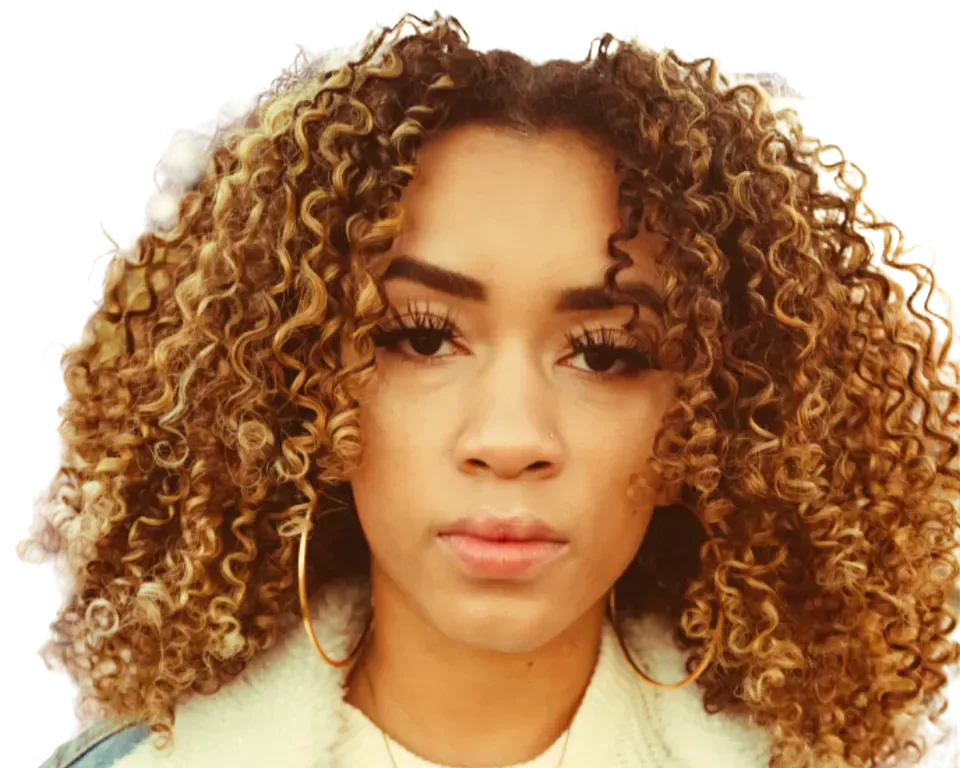
One click. Hair and all. Free.
FreePhoto editor
Everything you need to edit a photo, with AI that runs on your own device: cut out, remove, retouch, adjust, design and export. No install, no upload, no credits.
No photo? Try ours It opens in the full editor, on your device.
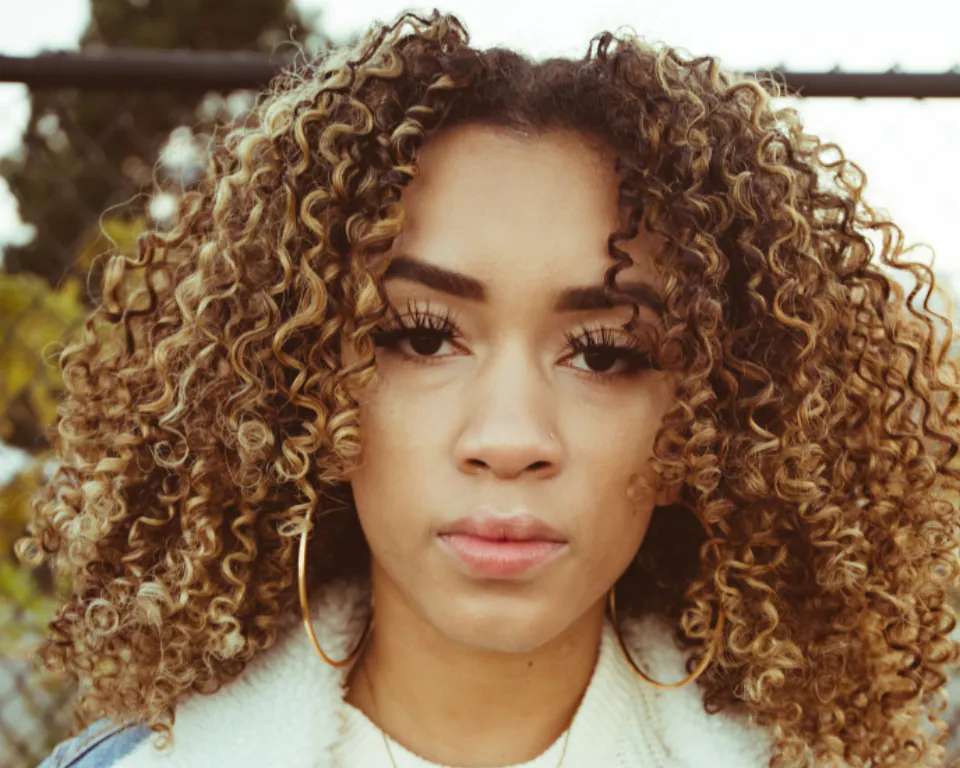

Background removed · subject on its own layer
Layers
Adjustment
01What's inside
Hover a tile. Each one is a real part of the editor.
One click. Hair and all. Free.
Exposure, vibrance, hue, colour balance, B&W.
Text & shapes
Studio exports and extra AI with Pro PRO
03How it works
04Why CutLift
Free and unlimited. CutLift Pro adds batch processing, upscaling, sky replacement and studio exports for $7.99/month.
05The guide
CutLift is a free online photo editor that opens straight in the browser, on a laptop, tablet or phone. It is built for real work rather than one-tap filters: fixing colour, cleaning up a picture, cutting out a subject, adding text and saving a file you can use. It opens JPEG, PNG and WebP, layered PSD files, Camera RAW and HEIC in Safari.
It suits anyone who edits photos online now and then: a small shop preparing listings, a teacher making worksheet images, a photographer fixing a few RAW files away from their desk, or someone who wants a free image editor without installing software or making an account first. You can start editing straight away; signing in is only needed to download.
Image ▸ Adjustments has the controls photographers expect: Curves, Levels, exposure, vibrance, hue and saturation, colour balance, and black and white. The Filter menu adds Shadows/Highlights for lifting dark areas, Gaussian, motion and lens blur, unsharp mask for sharpening, noise reduction and lens correction. Adjustments sit in the Edits panel, where you can hide them, reorder them, or apply one only inside or outside a cut-out layer.
The AI menu has Remove background, Select subject and Blur background, all free. Remove Object, the Spot Healing Brush, the Healing Brush and the Clone Stamp take care of blemishes and unwanted objects, and Liquify reshapes things gently. For design work there is a Text tool, shapes, gradients, and Crop with rotate and straighten.
CutLift Pro adds the AI Model for click-to-select, Segment everything, Select by name, Upscale, Replace sky and batch background removal. All of them can be used free while you edit. Pro is $7.99 a month or $47.99 a year, and each account gets one free premium download.
Every tool has a single-letter shortcut, and Ctrl or ⌘ + K opens a search box for any command, so you rarely hunt through menus. Edits live on layers with full undo. Save a project file to come back later, export PNG, WebP or JPEG, or save a layered PSD. Because the editor and its AI run on your device, your pictures stay private and there is no upload wait.
06Questions
Is CutLift a free photo editor?
Yes. The editor and its AI are free with no limits on how many photos you edit. CutLift Pro is optional and adds the click-to-select AI, batch work and upscaling.
Free to start. Your photo never leaves your device.
Open the editor49 more tools
 Background removerRemove the background from any photoSee how it works
 Transparent PNGMake any image background transparentSee how it works
 Object removerRemove anything from a photoSee how it works
 Background blurBlur the background, keep the subject sharpSee how it works
 Photoshop alternativeThe Photoshop tools you use, free in your browserSee how it works
 PSD viewerOpen PSD files online, with their layersSee how it works
 Product photosClean product photos for your storeSee how it works
 BatchProRemove backgrounds from a whole folder at onceSee how it works
 UpscalerProUpscale photos 2× and 4× with AISee how it works
 Sky replacementProSwap a dull sky for a beautiful oneSee how it works
 Segmentation & datasetsProSegment and label images in your browserSee how it works
 Generative fillProFill any area with AISee how it works
 Sticker makerProTurn any photo into a stickerSee how it works
 Colour correctionCorrect and grade the colour of any photoSee how it worksBackground colourChange the background colour of any photoSee how it works
 Text on photosAdd text to any photoSee how it works
 Crop & resizeCrop, straighten and resize photosSee how it works
 Select anythingSelect any object in a photoSee how it works
 Healing & cloneHeal spots, dust and blemishes awaySee how it works
 CurvesShape the light with CurvesSee how it works
 Camera RAWOpen and edit RAW photos in your browserSee how it works
 Rotate & straightenRotate and straighten any photoSee how it works
 LiquifyPush, pull and reshape with LiquifySee how it works
 COCO & YOLOProLabel photos, export COCO and YOLOSee how it works
 AI photo editorEdit photos with AI, free, in your browserSee how it worksAI image editorAn AI image editor that runs in your browserSee how it worksClick to segmentProClick any object to select it with AISee how it worksMask generatorGenerate image masks in your browserSee how it worksPerson cutoutCut a person out of any photoSee how it worksImage annotationAn image annotation tool for training dataSee how it worksImage labellingLabel the objects in your photosSee how it worksSemantic segmentationSemantic segmentation labels, made in your browserSee how it worksPolygon annotationOutline objects with polygons and export themSee how it worksYOLO datasetProTurn your photos into a YOLO datasetSee how it worksWhite backgroundPut product photos on a pure white backgroundSee how it worksLogo backgroundRemove the background from a logoSee how it worksHeadshotChange the background of a headshotSee how it worksWhite backdropRemove a white background from an imageSee how it worksPassport photoSet a passport photo background to whiteSee how it worksPerson removerRemove people from a photoSee how it worksText removerErase text from a photoSee how it worksBlemish removalRemove blemishes from a photoSee how it worksPhoto retouchingRetouch photos right in your browserSee how it worksStraightenStraighten a crooked photoSee how it worksremove.bg alternativeA free remove.bg alternative that works in your browserSee how it works
 Photopea alternativeA free Photopea alternative with layers and PSD supportSee how it worksLightroom alternativeA free Lightroom alternative for RAW and everyday photosSee how it works
 GIMP alternativeA free GIMP alternative you can open in any browserSee how it worksCVAT alternativeProLabel photos in the browser and export COCO or YOLOSee how it works