FreeWhite background

Put product photos on a pure white background

Cut the product out, set the backdrop to solid white and export a clean image for a shop listing or catalogue. Free, unlimited, and your photos never leave your device.

Drop your photo hereIt opens in the editor. Nothing is uploaded. Choose a photoJPGPNGWebPHEICPSDRAW

No photo? Try ours

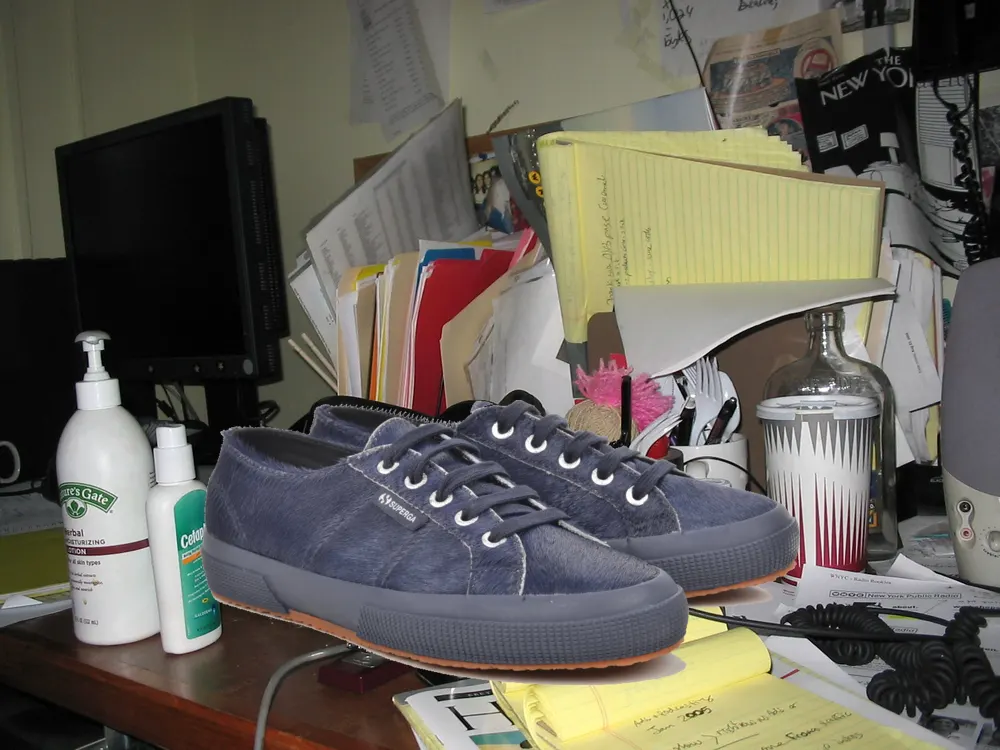
A sneaker on a cluttered desk
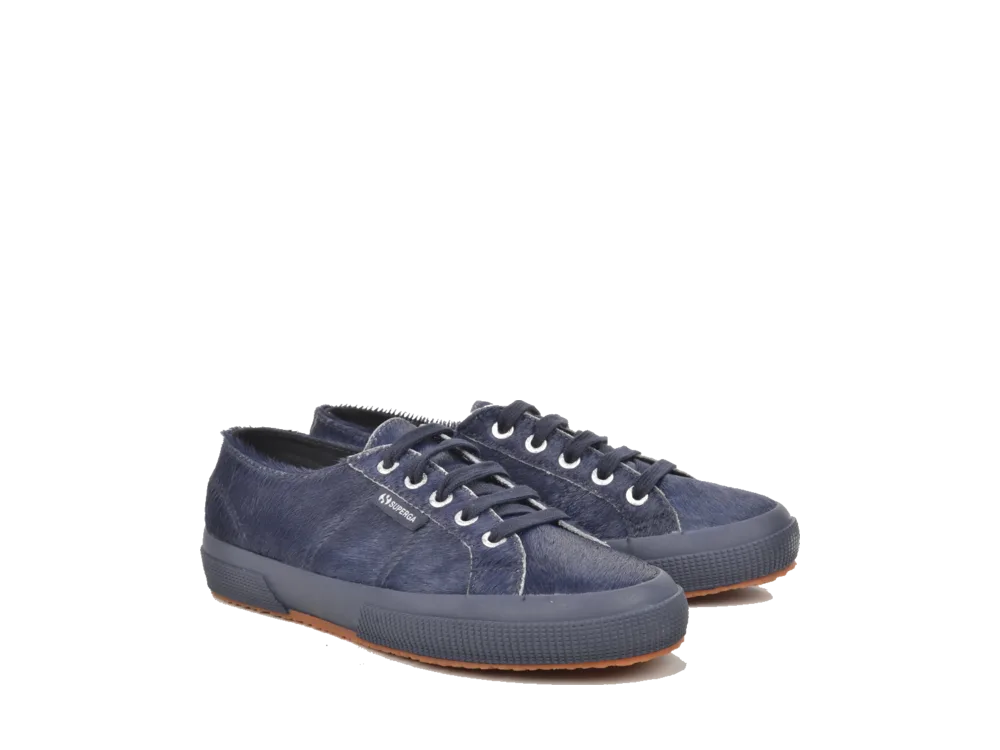
The same sneaker on a pure white backgroundOriginal
Live demo01 / 03

01Ready to list

From the table to the listing

A shop wants the product alone on one plain background. Cut it out, set the backdrop to white, and the same photo fits the card, the thumbnail and the zoom.

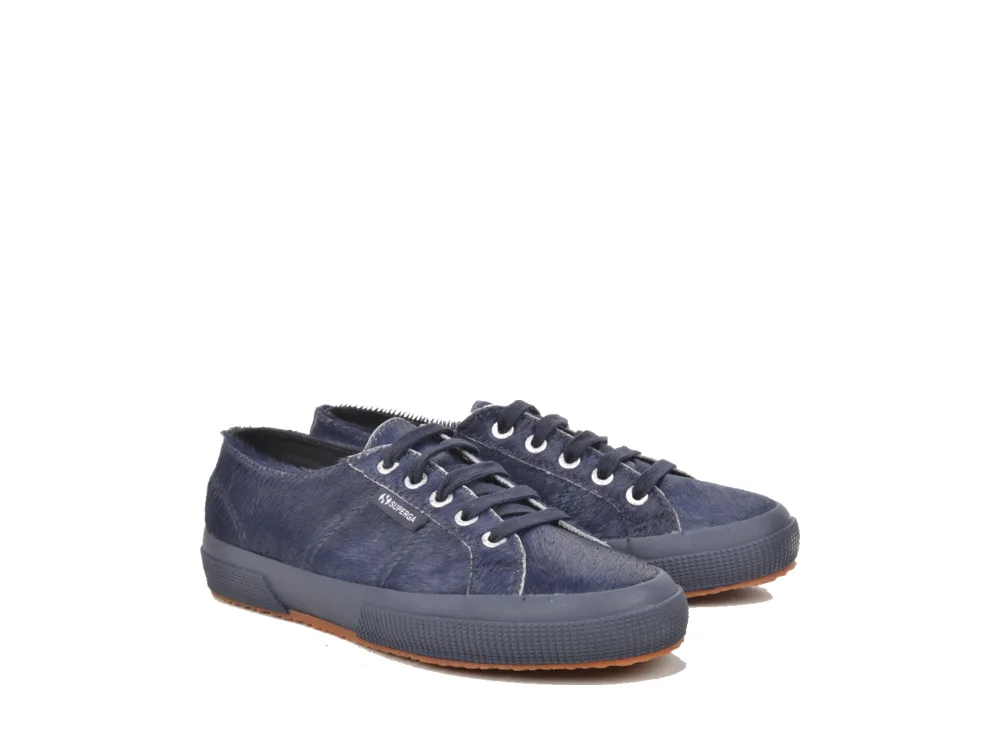
Sneaker on a white background, ready for a listing

Shop listing

Suede low-top sneakers

£39.00

Image size

Marketplace sizes are part of CutLift Pro. The backdrop is solid white in every size.

03How it works

Three steps. Seconds.

  1. 01Open the product photoAny JPEG, PNG or WebP. A shot on a table, a sofa or a messy desk works too.
  2. 02Remove the backgroundOne click cuts the product out. Paint to add or remove any part the AI missed.
  3. 03Set the backdrop to whiteIn Cutout Studio pick white as the background, then download a JPEG or PNG.

04Why CutLift

Built to be the best one

  • Solid white, no grey castThe old wall, shadow and floor are removed, so the backdrop is one even white.
  • Clean edgesRefine edges for hair, fur and fine details so no grey halo is left behind.
  • Free to useNo credits and no watermark. Recolour as many product photos as you like.
  • PrivateThe AI runs on your own device, so your product photos are never uploaded.

Free and unlimited. CutLift Pro adds batch processing, upscaling, sky replacement and studio exports for $7.99/month.

05The guide

Product shots on white

Why shops ask for a white background

A pure white background puts all the attention on the product. Marketplaces such as Amazon, eBay and Etsy, and many online shops, show search results as a grid of small images, and a plain white backdrop makes every item easy to compare. A product photo with a white background also sits cleanly on a white web page, in a catalogue or in a price list.

You do not need a lightbox or a studio. Take the photo on a table, by a window, and let CutLift make the background white afterwards. Always check the current image rules of the marketplace you sell on, since each one sets its own.


Getting a clean cutout first

A white background photo only looks right when the edge of the product is clean. After Remove background, zoom in and look along the outline. Use the Brush to add back a missed handle or strap, and the Eraser to take away a scrap of table. Remove specks and Fill holes in the Select menu tidy small leftovers in one step.

For shiny or soft edges, Refine edges smooths the outline. Clean edge colours in Cutout Studio (CutLift Pro) removes the faint tint of the old backdrop, which shows most on a pure white background.

Size, margin and format

In Cutout Studio, pick white from the swatches, then choose a size. Original, Trimmed and Square are free, and Square with padding gives an even margin around the product. The Looks panel has ready-made setups for Amazon, eBay, Etsy and Shopify that set the canvas size, margin and background in one click; these fixed marketplace sizes are part of CutLift Pro.

Download a JPEG for a flat white image, or a PNG if you want to keep the transparent cutout and make the background white again later in another tool.

Free, Pro and private

Background removal and a solid white backdrop are free and unlimited. Pro features such as shadows, marketplace sizes and Batch background removal are free to try while you edit; the download of a result that uses them needs CutLift Pro ($7.99 a month or $47.99 a year), and every account gets one free premium download. The white background image maker runs on your device, so product photos for unreleased items stay private.

06Questions

Good to know

How do I make a product photo background white?

Open the photo, click Remove background, open Cutout Studio and pick white. Then download the image.

Put product photos on a pure white background

Free to start. Your photo never leaves your device.

Open the editor

49 more tools

Keep going
























