



FreeBackground remover

Remove the background from any photo

One click and the background is gone: people, products, pets, cars, hair and fur. Free, unlimited, and your photos never leave your device.

Drop your photo hereIt opens in the editor. Nothing is uploaded. Choose a photoJPGPNGWebPHEICPSDRAW

No photo? Try ours

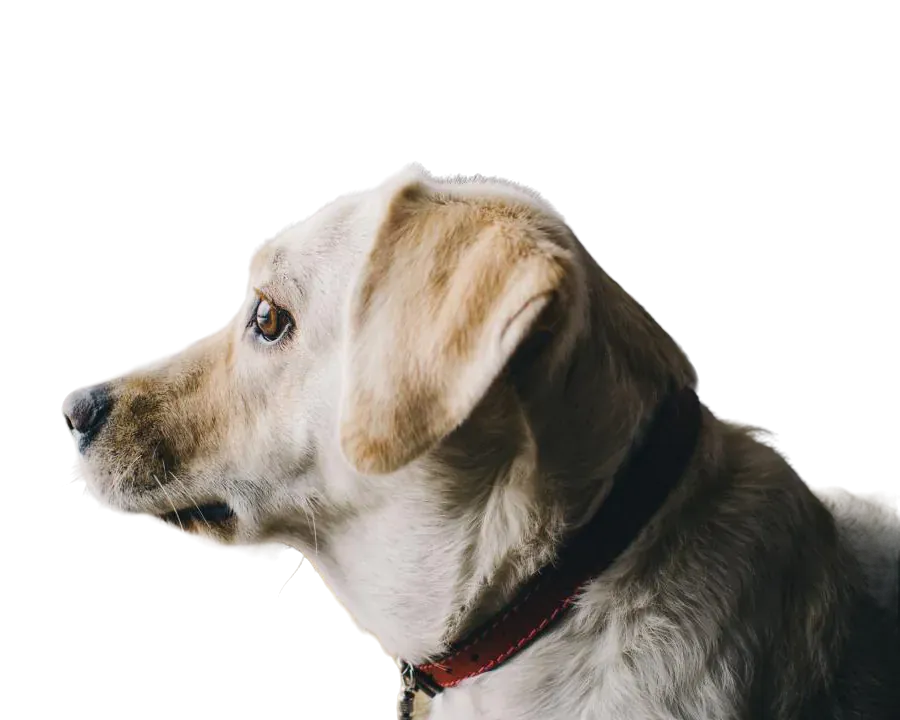
Retriever cut out on a transparent background
Retriever: the original photo
BeforeAfterBackground: gone

Fluffy fur: one click, no brushing.

Live demo01 / 08

01New background

Then drop it on anything

The cut-out is a real transparent layer. Put it on white, a colour, a gradient or a new photo, or download the PNG as it is.

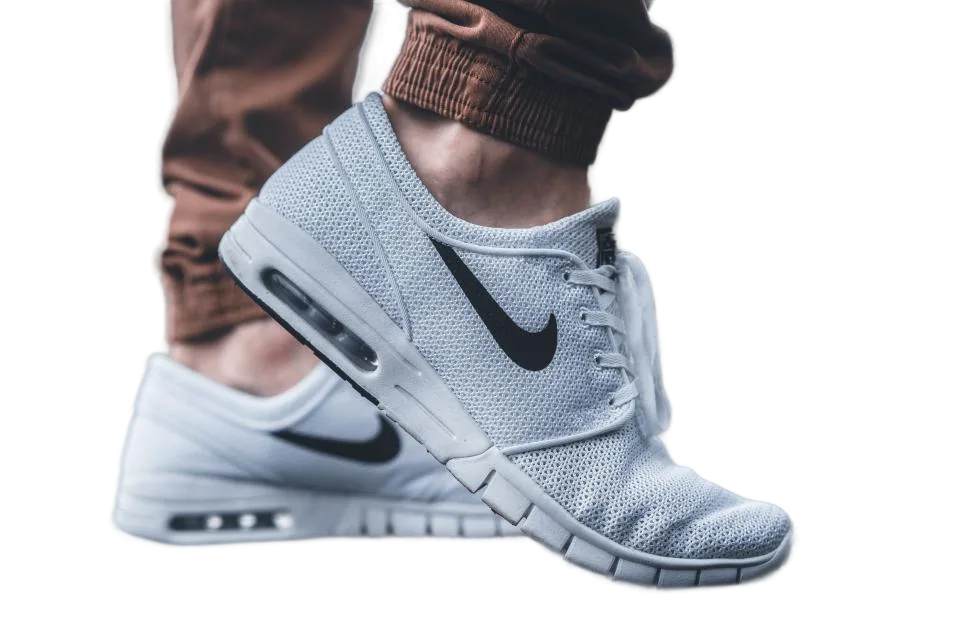
Sneaker cut-out on a orange backgroundOrange

1 · Subject

2 · Background

In the editor this is the Cutout studio: backgrounds, shadow, outline and ready-made sizes, all on the same cut-out.

Live demo01 / 06

02Edges

The hard parts, up close

Zoomed to the pixels that usually go wrong, each one next to the photo it came from.

Live demo01 / 06

03How it works

Three steps. Seconds.

  1. 01Open a photoDrop a JPEG, PNG, WebP, PSD or RAW file onto the page.
  2. 02Click Remove backgroundThe AI finds the subject and cuts it out. Paint to add or remove anything it missed.
  3. 03DownloadSave a transparent PNG or WebP, or place the cutout on a solid colour for free. Shadows, outlines and photo backgrounds are Pro.

04Why CutLift

Built to be the best one

  • Unlimited and freeNo credits, no per-image price, no watermark. Remove as many backgrounds as you like.
  • PrivateThe AI runs on your own computer or phone. Your photos are never uploaded to a server.
  • Clean edgesSoften or feather the outline and fix anything with a brush. Hair and fur refinement is Pro.
  • Full editor includedAdd text, shapes and crops, or keep editing with layers. Shadows and photo backgrounds are Pro exports.

Free and unlimited. CutLift Pro adds batch processing, upscaling, sky replacement and studio exports for $7.99/month.

05The guide

The background remover guide

When people remove the background from a photo

Most people who search for a background remover want the same thing: the subject, alone, as a PNG with no background. Sellers cut out a product for Amazon or Etsy, designers drop a portrait into a slide or poster, and pet owners turn a dog photo into a sticker. CutLift handles all of these from one button, Remove background, in the AI menu.

If you only want the outline without deleting anything yet, use Select subject instead. The subject becomes a selection on its own layer, so you can still change your mind.


Tips for a cleaner cut out image

Start with the largest photo you have. More pixels give the AI more detail around ears, fingers and fabric. After the background is gone, zoom in on the edge. Paint with the Brush to bring back a missed part and use the Eraser to clear leftover background.

For a smoother outline, run Refine edges (Ctrl or ⌘ + R) to snap the mask to the real edge, then Smooth or Feather to soften it. Curly hair, fur and wispy plants are where Hair & fur refinement helps most. It is a CutLift Pro feature that you can try free while editing.

Saving your transparent PNG

Export (Ctrl or ⌘ + E) saves a transparent PNG or WebP at full resolution. JPEG cannot hold transparency, so pick PNG when the cutout has to sit on top of something else. You can also open Cutout studio to place the cutout on a plain colour or a blurred copy of the photo, trim it to the object or make it square. Those options are free.

Shadows, outlines, glows, a photo background and fixed social or marketplace sizes are premium options in the studio. You can try every one of them before deciding.

Free, private and unlimited

This is an AI background removal tool with no credits and no watermark. Remove bg from as many photos as you like, and download your PNGs free with a free account. Because the AI runs on your device, your pictures are never uploaded to a server, which matters for client work, ID photos and anything personal.

06Questions

Good to know

Is the background remover really free?

Yes. Background removal is unlimited on the free plan, and transparent PNG and WebP downloads are free with a free account. There are no credits and no watermark.

Remove the background from any photo

Free to start. Your photo never leaves your device.

Open the editor

49 more tools

Keep going























