
Correct first, then grade
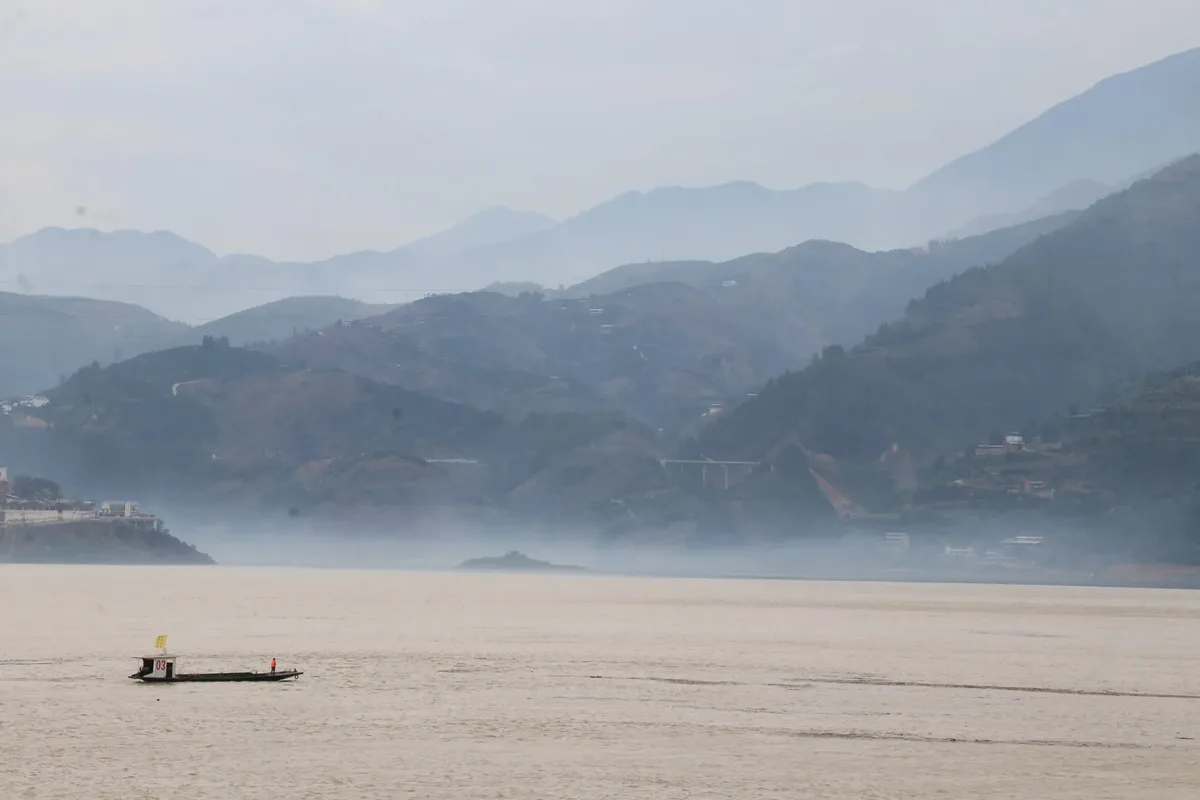
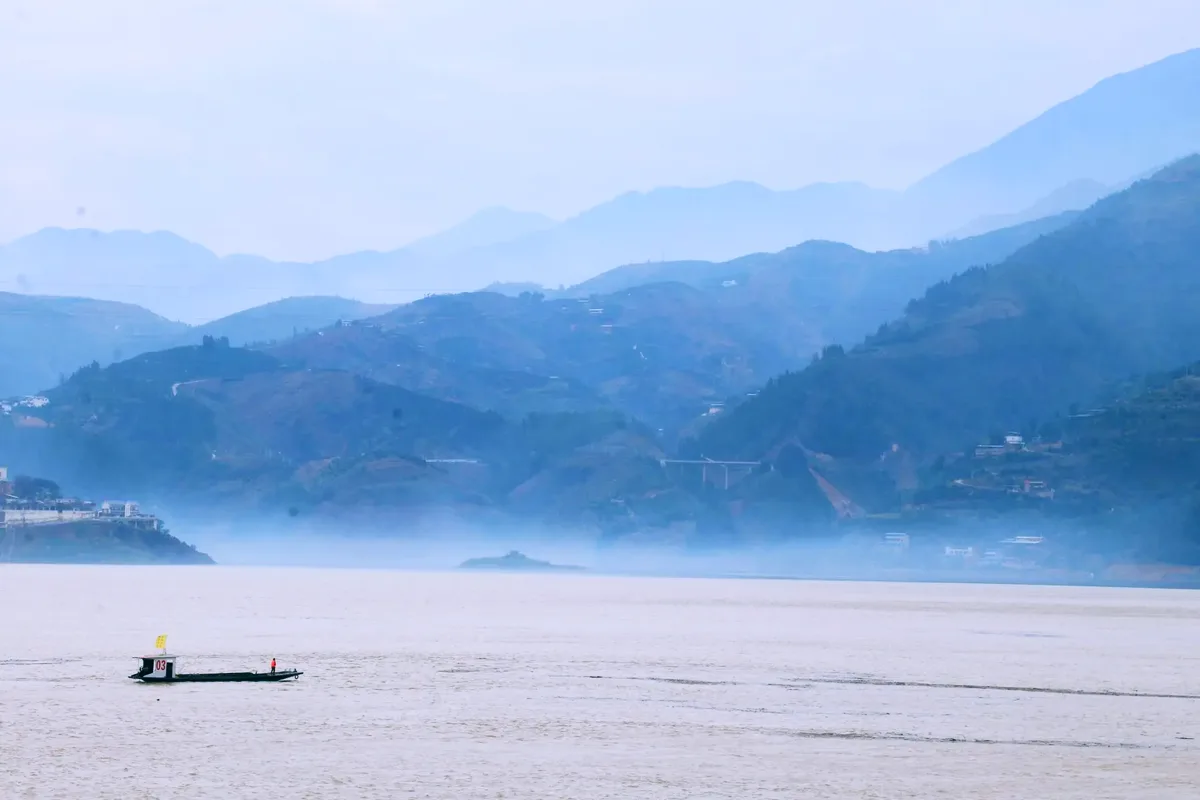
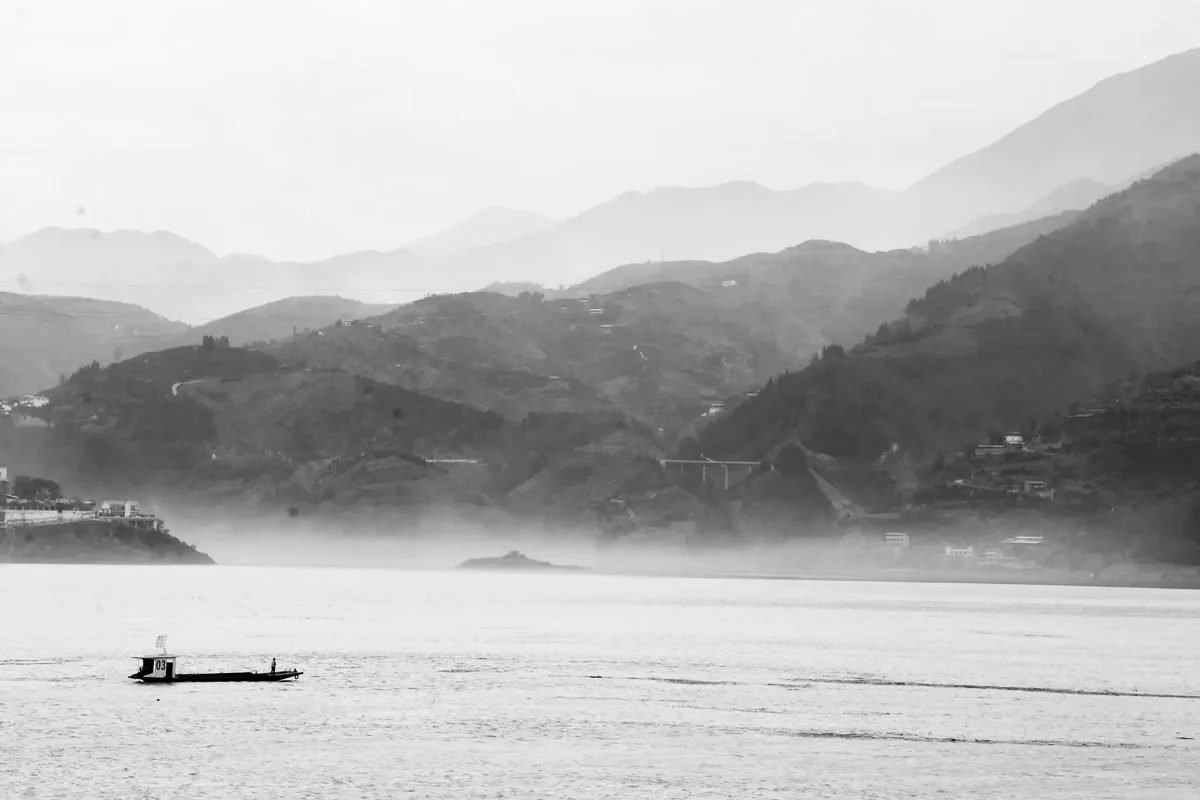
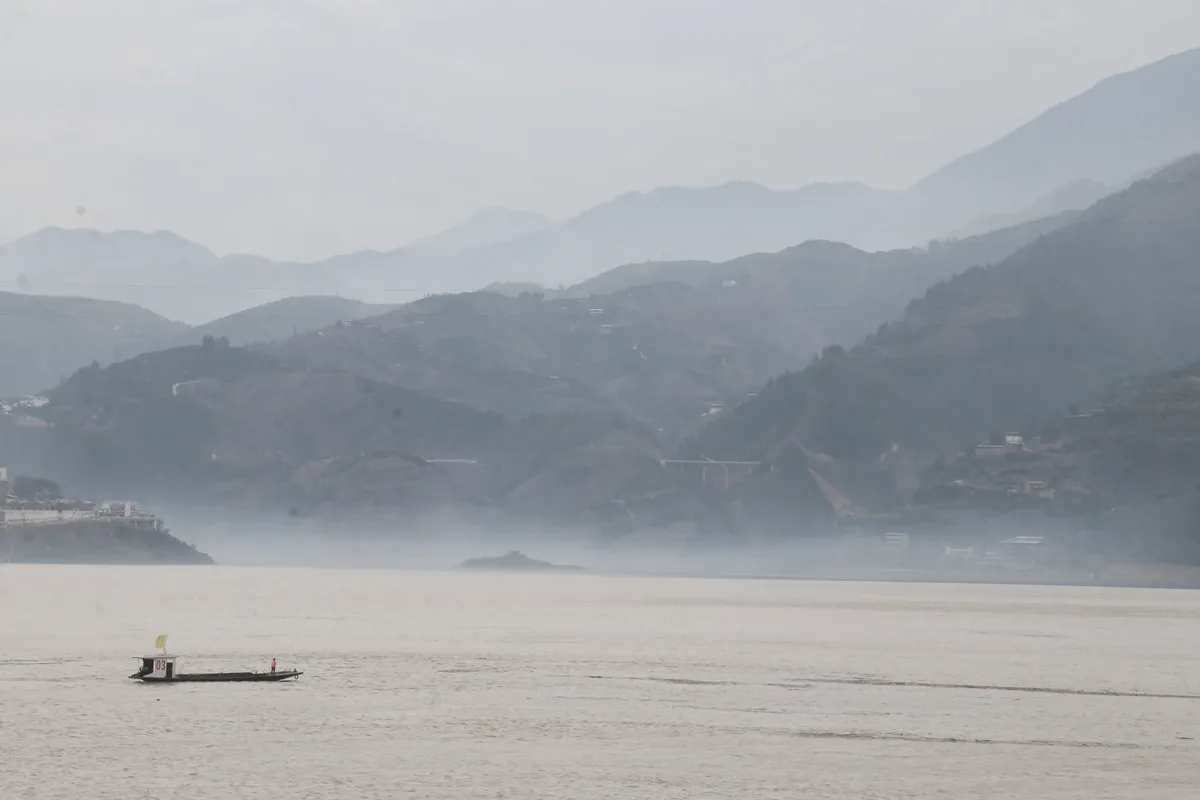
Photo colour correction and colour grading are two different jobs. Correction fixes what the camera got wrong: a blue cast from shade, a yellow cast from indoor light, a flat or dark frame. Grading is the look you add afterwards, such as warm highlights, cool shadows or a faded finish. Doing them in that order stops the grade from fighting a colour cast.
To fix photo colours, start with Levels (Ctrl+L) or Curves (Ctrl+M). Both have Auto, plus black, grey and white point eyedroppers: click something that should be neutral grey and the cast is gone. Exposure adds or removes light with Exposure, Offset and Gamma.

























