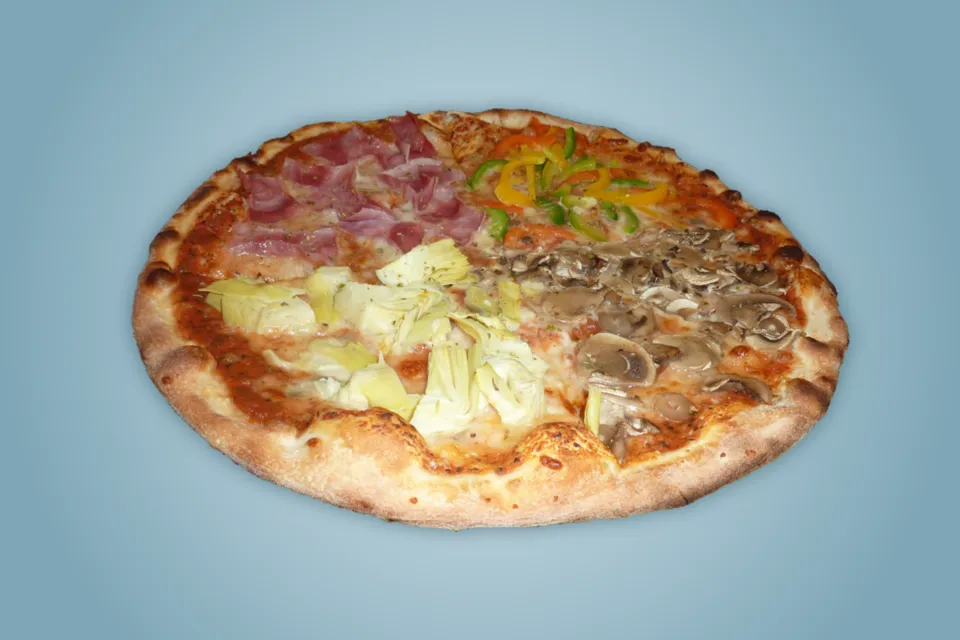
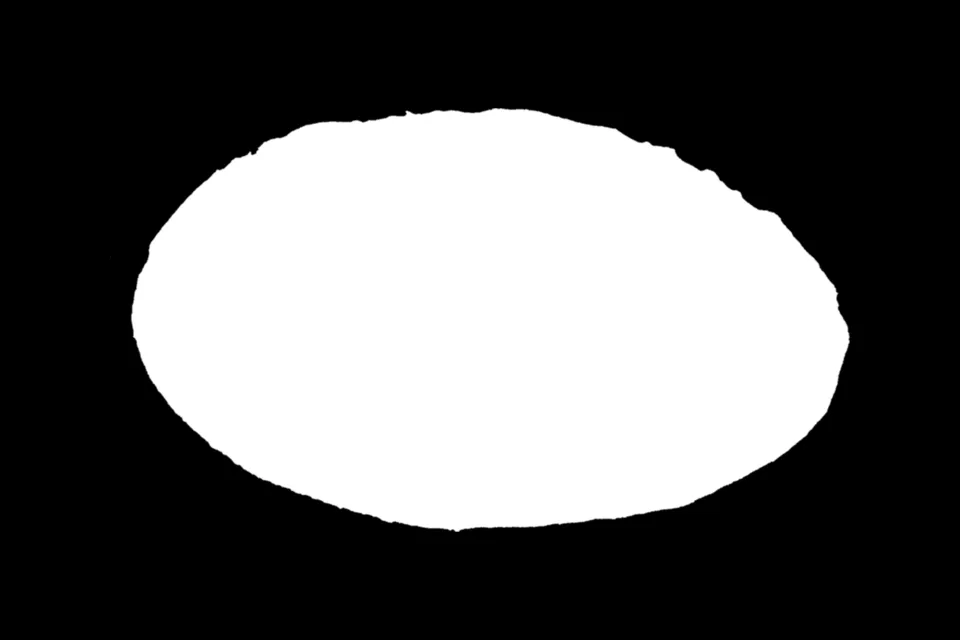

Hard masks and soft masks
A binary mask has two values: white for the selected area and black for everything else. It suits training data and any tool that expects a clear in-or-out answer. A soft mask keeps the in-between greys along the edge, so hair, fur and blurred outlines fade instead of stepping.
CutLift makes both from the same selection. In the export, “Masks keep soft edges” decides which you get: leave it off for a black and white mask, turn it on for a greyscale alpha mask.


























