FreeCrop & resize

Crop, straighten and resize photos

Crop to any aspect ratio, straighten a tilted horizon, rotate and flip, or set an exact size in pixels. Free, unlimited, and your photos never leave your device.

Drop your photo hereIt opens in the editor. Nothing is uploaded. Choose a photoJPGPNGWebPHEICPSDRAW

No photo? Try ours

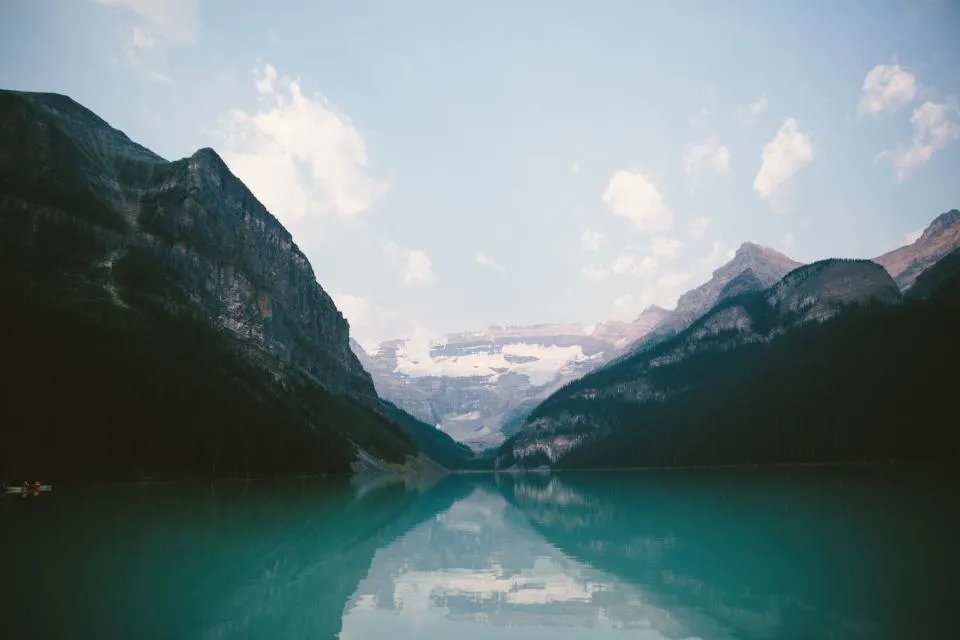
A turquoise mountain lake1:1 · 1080 × 1080 px

1:1, 4:5, 16:9 and 9:16 are built in; passport and banner sizes use a custom ratio.

Live demo01 / 05

01Resize

Any size, to the pixel

Type an exact width and height, or keep the proportions locked and change just one.

4000 px
The lake photo at the chosen size
1920 × 1280 px · 2.5 MP

Locked: change one side and the other follows.

Live demo01 / 05

03How it works

Three steps. Seconds.

  1. 01Open a photoAny JPEG, PNG, WebP, HEIC (in Safari), PSD or RAW file.
  2. 02Crop or resizePress C to crop (Ctrl-drag to straighten), or Image ▸ Image size for an exact size.
  3. 03SaveKeep the edit as a project or Photoshop (PSD) file. Cut-outs export as PNG or WebP.

04Why CutLift

Built to be the best one

  • StraightenDrag along a horizon to level the photo in one move.
  • Exact sizesResize by pixels or per cent, with or without keeping the proportions.
  • Crop to selectionCrop tightly around a selected object.
  • Undo anythingEvery crop and resize is one step you can undo.

Free and unlimited. CutLift Pro adds batch processing, upscaling, sky replacement and studio exports for $7.99/month.

05The guide

Crop and size with care

Crop ratios for every use

Press C and the crop box starts as the whole photo. The Ratio menu has Free, Original, 1 : 1 square, 4 : 5, 5 : 4, 3 : 2, 2 : 3, 16 : 9, 9 : 16 and Custom, and a swap button turns portrait into landscape. The output size shows in pixels as you drag. Shift keeps the ratio while you resize from a handle, Alt resizes from the centre, and Enter or a double-click applies.

Use 1 : 1 for profile pictures and marketplace listings, 4 : 5 for portrait social posts and 16 : 9 for banners and video thumbnails. Image ▸ Crop to selection crops tightly around a selected object, such as a product you painted with Quick Selection.


Straighten and rotate while you crop

Cropping and rotation are one step. Drag outside the box to rotate (Shift snaps to 15°), type an exact Angle, or turn on Straighten and draw a line along something that should be level. The box stays inside the photo as it turns, so no empty corners appear. Rotate 90°, Rotate 180° and Flip horizontal or vertical sit in the Image menu next to Image size.

Resize a photo in pixels or per cent

Image ▸ Image size… changes the image size in Pixels or Per cent, with Keep proportions on or off. Making a photo smaller for email, a form upload or a website is the typical use. Enlarging with Image size only stretches the existing pixels; for a sharper, bigger version, Upscale ×2 or ×4 is a CutLift Pro feature.

Layers, masks, text and other edits are resized with the photo in the same step, so cutouts stay matched and one undo restores the original.

Free and on your device

Cropping, straightening, rotating, flipping and resizing are all free, with no watermark. This image resizer runs in your browser, so nothing is uploaded when you crop a photo online. Save a project or a Photoshop (PSD) file; cut-outs export as PNG or WebP, and Cutout Studio can save a JPEG of a subject on a solid background.

06Questions

Good to know

Is it free to crop and resize images?

Yes. Crop, rotate, straighten, flip and Image size are all on the free plan.

Crop, straighten and resize photos

Free to start. Your photo never leaves your device.

Open the editor

49 more tools

Keep going























