01PRO
Click to segment
Click an object and the Nader model draws its mask on its own layer. Drag a box for tricky ones.
ProSegmentation & datasets
Click any object to get a precise AI mask, give it a class, and export a dataset. Your images never leave your device.
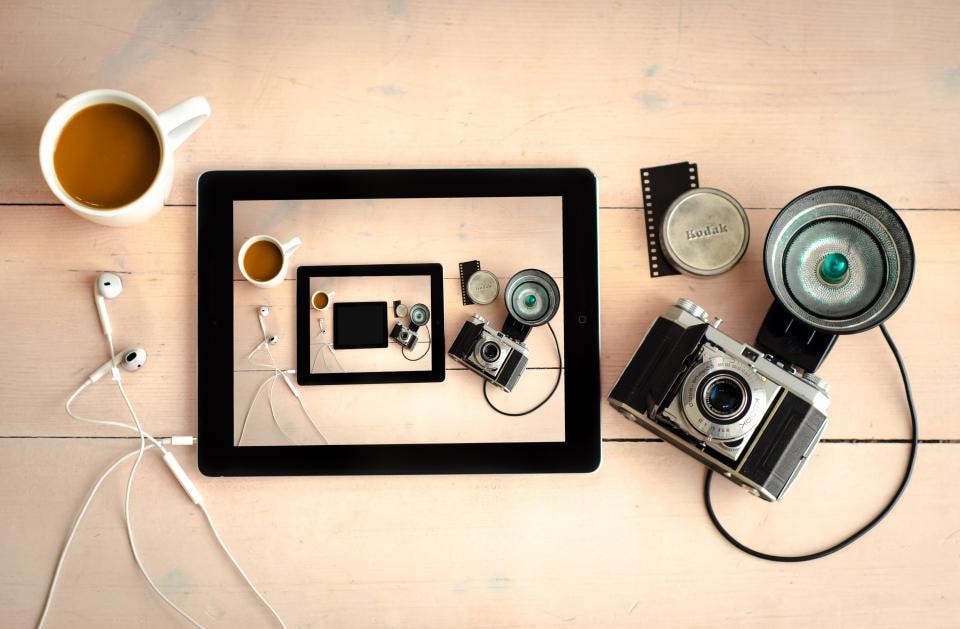
Each object: its own mask, box and export line.
// tablet
{
  "id": 1,
  "image_id": 1,
  "category_id": 1,
  "category": "tablet",
  "bbox": [196, 168, 406, 309],
  "area": 123173,
  "iscrowd": 0,
  "segmentation": [[ … polygon … ]]
}
COCO and YOLO export PROmasks free
01Exports
Every mask is a layer with a class name. Pick the format your training code reads.
Label map Every pixel coloured by its class: ready for semantic segmentation.
02Labelling speed
Click an object and the Nader model draws its mask on its own layer. Drag a box for tricky ones.
One command splits the whole image into objects, each on its own layer, ready to name.
Type “camera” and every camera in the picture is selected.
03How it works
04Why CutLift
This is a CutLift Pro feature: $7.99/month plus tax where it applies, cancel anytime. Use it free while you edit; your first premium download is free.
05The guide
Training a computer vision model needs labelled examples: masks or polygons around each object and a class name for each. Researchers, students and machine learning teams use CutLift as a data labeling tool for segmentation datasets, and designers use the same tools as a mask generator. It runs in the browser on your device, so medical, industrial or private images never leave your computer.
You can label a lot without Pro. Object Box (A) separates an object when you drag a box around it. Quick Selection grows a selection as you paint, Magic Wand and Colour Range pick by colour, and the Polygonal Lasso and Pen are there for polygon annotation with straight or curved edges. Select subject finds the main object in one click.
Each selection becomes its own layer. Create classes such as car, person or road and assign them with the number keys 1 to 9. When no layer is selected, the number arms that class for the next selection, which makes repeated labelling quick.
Refine edges (Ctrl or ⌘ + R) snaps a rough mask to the real boundary, and the Brush and Eraser fix any pixel by hand.
CutLift Pro adds the AI Model: hover to preview and click any object for a precise mask, or drag a box. Segment everything turns every object in the image into its own layer in one click. Select by name (Ctrl or ⌘ + F) finds every person or chair you type, with a Strict, Normal or Loose sensitivity. All of these can be used free while you edit.
Export (Ctrl or ⌘ + E) saves black and white masks, greyscale masks with soft edges, PNG cutouts and a simple JSON file for free. With Pro you can add COCO annotation as polygons or pixel-exact RLE, YOLO labeling with polygons and a classes.txt file, a label map for semantic segmentation, and SVG outlines, all in one ZIP. Pro is $7.99 a month or $47.99 a year, and each account gets one free premium download.
06Questions
Which export formats are supported?
Black & white masks and PNG cutouts are free. COCO, YOLO, label maps and SVG outlines are part of CutLift Pro.
Free to start. Your photo never leaves your device.
Open the editor49 more tools
 Background removerRemove the background from any photoSee how it works
 Transparent PNGMake any image background transparentSee how it works
 Object removerRemove anything from a photoSee how it works
 Background blurBlur the background, keep the subject sharpSee how it works
 Photo editorA free AI photo editor in your browserSee how it works
 Photoshop alternativeThe Photoshop tools you use, free in your browserSee how it works
 PSD viewerOpen PSD files online, with their layersSee how it works
 Product photosClean product photos for your storeSee how it works
 BatchProRemove backgrounds from a whole folder at onceSee how it works
 UpscalerProUpscale photos 2× and 4× with AISee how it works
 Sky replacementProSwap a dull sky for a beautiful oneSee how it works
 Generative fillProFill any area with AISee how it works
 Sticker makerProTurn any photo into a stickerSee how it works
 Colour correctionCorrect and grade the colour of any photoSee how it works
 Background colourChange the background colour of any photoSee how it works
 Text on photosAdd text to any photoSee how it works
 Crop & resizeCrop, straighten and resize photosSee how it works
 Select anythingSelect any object in a photoSee how it works
 Healing & cloneHeal spots, dust and blemishes awaySee how it works
 CurvesShape the light with CurvesSee how it works
 Camera RAWOpen and edit RAW photos in your browserSee how it works
 Rotate & straightenRotate and straighten any photoSee how it works
 LiquifyPush, pull and reshape with LiquifySee how it works
 COCO & YOLOProLabel photos, export COCO and YOLOSee how it works
 AI photo editorEdit photos with AI, free, in your browserSee how it worksAI image editorAn AI image editor that runs in your browserSee how it worksClick to segmentProClick any object to select it with AISee how it works
 Mask generatorGenerate image masks in your browserSee how it worksPerson cutoutCut a person out of any photoSee how it worksImage annotationAn image annotation tool for training dataSee how it worksImage labellingLabel the objects in your photosSee how it worksSemantic segmentationSemantic segmentation labels, made in your browserSee how it worksPolygon annotationOutline objects with polygons and export themSee how it worksYOLO datasetProTurn your photos into a YOLO datasetSee how it worksWhite backgroundPut product photos on a pure white backgroundSee how it worksLogo backgroundRemove the background from a logoSee how it worksHeadshotChange the background of a headshotSee how it worksWhite backdropRemove a white background from an imageSee how it worksPassport photoSet a passport photo background to whiteSee how it worksPerson removerRemove people from a photoSee how it worksText removerErase text from a photoSee how it worksBlemish removalRemove blemishes from a photoSee how it worksPhoto retouchingRetouch photos right in your browserSee how it worksStraightenStraighten a crooked photoSee how it worksremove.bg alternativeA free remove.bg alternative that works in your browserSee how it works
 Photopea alternativeA free Photopea alternative with layers and PSD supportSee how it worksLightroom alternativeA free Lightroom alternative for RAW and everyday photosSee how it worksGIMP alternativeA free GIMP alternative you can open in any browserSee how it worksCVAT alternativeProLabel photos in the browser and export COCO or YOLOSee how it works